
Access Zapier from Gallabox
- Click on the Integrations in the left navigation Pane of Gallabox. Choose Zapier from the Available apps and click on the Integration.
- You will be taken to another window asking you to accept the invite from Gallabox if you have signed in on your Zapier Account in another browser.
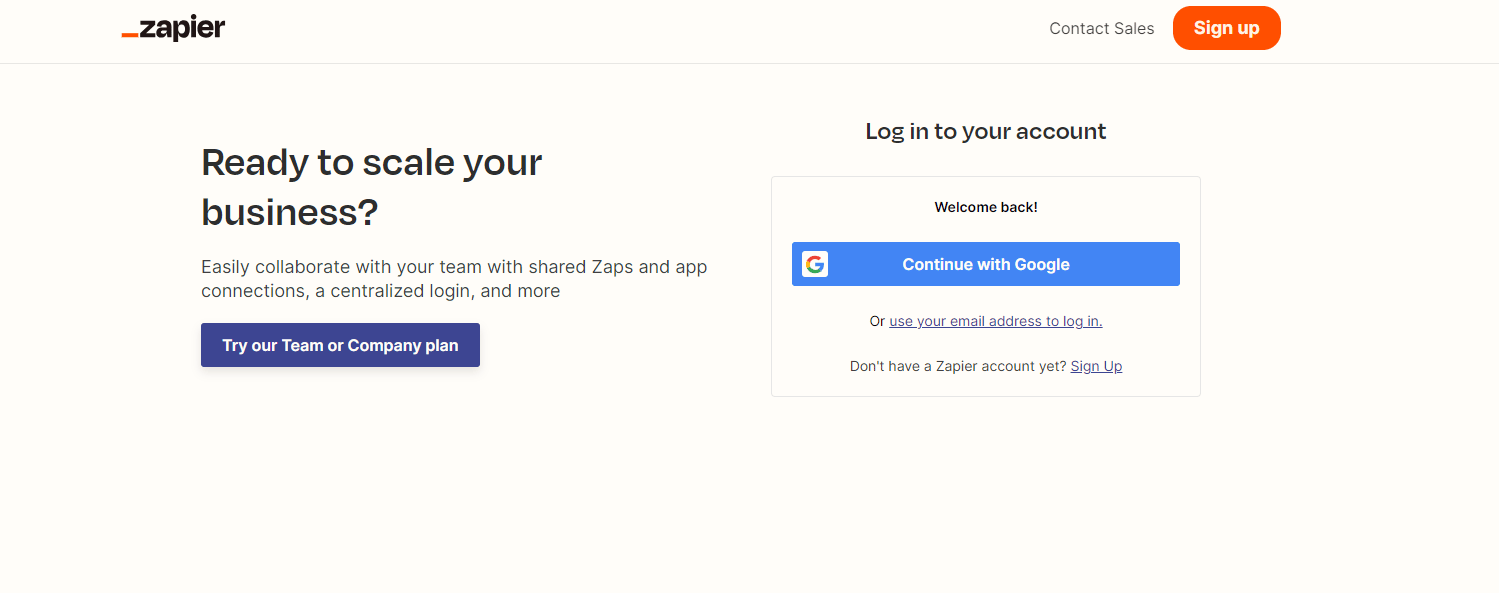
- In the other scenario, it will redirect you to the sign in page of Zapier like shown below. You have to sign in and then you will get the invitation to accept.
Connect Gallabox in your Zapier Account
- Once the invite is accepted, you will be redirected again to your Zapier account. From the left navigation, go to Apps and search Gallabox. Click on Connect.
- A pop-up will open up asking you the Account Id of Gallabox, the API Key, and the API Secret. You have to paste those and click on Yes, Continue to Gallabox.
Gallabox Zap Events
Below is an overview of the available events for Gallabox integration with Zapier, detailing each event’s purpose and functionality:| Event Name (performed when the Zap runs) | Event Description |
|---|---|
| Send WhatsApp Template Message | This event allows you to automatically send a predefined message template via WhatsApp to a contact. It’s useful for sending notifications or alerts. |
| Send WhatsApp Template Message with Payload | This event lets you send a customized WhatsApp message template to your contact, incorporating specific data or payload. |
| Upsert Contact | With this event, you can either update an existing contact or insert a new contact into the Gallabox system instantly. |